Top AI Tools Every Web Designer and Graphic Designer Should Know in 2026
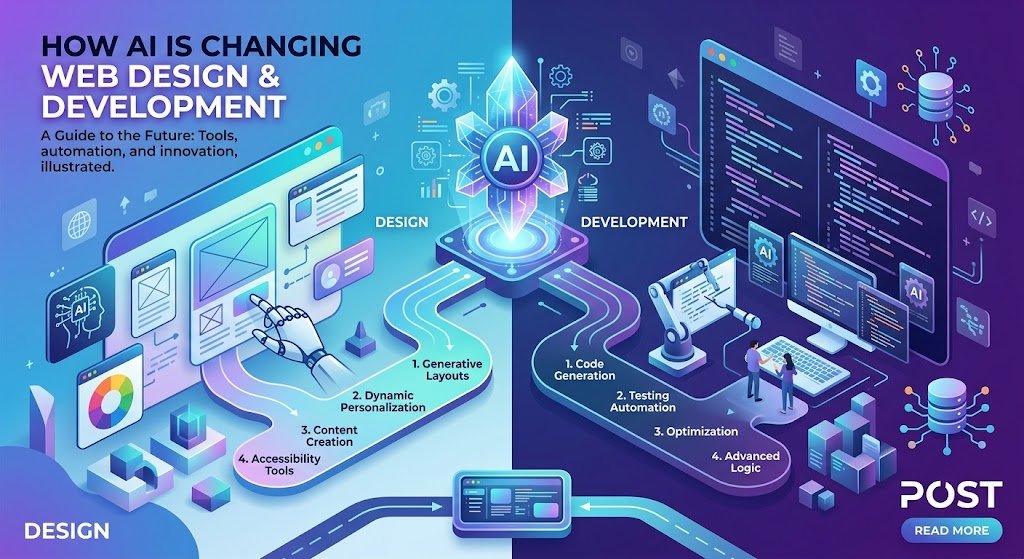
Artificial intelligence has become an important part of the modern digital design workflow. In 2026, web designers, graphic designers, developers, and content creators can use AI tools to research ideas, generate concepts, create visuals, write content, build websites, and improve productivity.
The key is not to use every AI tool available. Instead, designers should understand which tools can solve specific problems and how to integrate them into a professional workflow.
In this article, we will explore the main categories of AI tools that can help web designers and graphic designers work faster, improve creativity, and build better digital experiences.
Why AI Tools Matter for Designers
Design projects often involve many repetitive tasks.
A typical project may require:
- Research
- Brainstorming
- Wireframing
- UI design
- Image creation
- Content writing
- Website development
- SEO optimization
- Social media graphics
- Testing
- Client presentations
AI can assist with many of these tasks.
Instead of replacing the designer, AI can function as a digital creative assistant that helps generate ideas, automate repetitive work, and accelerate production.
- AI Tools for Research and Brainstorming
Before designing a website or brand, you need to understand the project.
AI assistants can help designers brainstorm:
- Website concepts
- Business names
- Content ideas
- Target audience profiles
- User journeys
- Website sections
- Marketing ideas
- Blog topics
For example, when starting a restaurant website, you could ask AI to generate several possible homepage structures and customer journeys.
The designer can then compare the ideas and create a final structure based on the actual business requirements.
Best Use
Use AI during the early planning stage to generate possibilities rather than relying on the first idea it produces.
- AI Tools for UI/UX Design
AI-powered design tools can help designers explore interface concepts quickly.
They can assist with:
- Wireframes
- Landing pages
- Dashboards
- Mobile interfaces
- Navigation structures
- Design systems
- Component ideas
This can be especially useful when a designer needs to create several concepts before selecting a visual direction.
However, usability should always remain the priority.
A beautiful interface is not necessarily a good user experience.
- Canva AI for Graphic Design
Canva has integrated AI-powered features into its design ecosystem, making it useful for both beginners and professional creators.
Designers can use AI-assisted features to help create:
- Social media graphics
- Presentations
- Marketing materials
- Posters
- Website graphics
- Advertisements
- Brand assets
Canva can be particularly useful when a project requires many visual assets with consistent branding.
For example, after creating a brand identity, a designer can adapt the same visual language across social media posts, presentations, advertisements, and website graphics.
Best Use
Use AI-assisted Canva workflows for rapid visual production and content variations while maintaining consistent branding.
- AI Image Generation
AI image-generation tools have changed the way designers explore visual concepts.
They can help create:
- Backgrounds
- Illustrations
- Concept art
- Marketing visuals
- Website hero images
- Creative compositions
- Visual moodboards
Instead of searching for an existing image that perfectly matches an idea, designers can generate a visual concept based on a description.
For example:
A modern technology workspace with futuristic interfaces, soft natural lighting, and a clean professional atmosphere.
The designer can then use the generated concept as inspiration or as part of an appropriate visual workflow.
Important Consideration
Generated images should be reviewed carefully before professional use. Designers should also understand the licensing and usage terms of the specific AI service they use.
- AI Coding Assistants
AI coding assistants are becoming increasingly useful for web designers who also work with code.
They can help generate and explain:
- HTML
- CSS
- JavaScript
- TypeScript
- React
- Next.js
- Tailwind CSS
- PHP
- WordPress code
A designer can describe a component and ask an AI coding assistant to create an initial implementation.
For example:
Build a responsive portfolio grid with six project cards, filtering categories, hover animations, and accessible buttons.
The AI can generate an initial version that the developer can test and improve.
Why This Matters
This workflow allows designers with coding knowledge to move more quickly from an idea to a working prototype.
- AI for WordPress Development
WordPress professionals can also integrate AI into their workflow.
AI can assist with:
- Website planning
- Page structure
- Blog content
- CSS customization
- PHP snippets
- SEO metadata
- WooCommerce descriptions
- Troubleshooting
- Content organization
For example, a WordPress designer could use AI to create a custom CSS solution for a specific Elementor section and then test the result on the actual website.
AI can also help explain existing code, which is useful when working with themes and plugins.
Best Practice
Always test AI-generated WordPress code on a staging environment when possible, especially when the code affects the database, authentication, payments, or important site functionality.
- AI for Content Creation
A modern website needs high-quality content.
AI can help generate first drafts for:
- Blog posts
- Service pages
- Product descriptions
- FAQs
- Social media captions
- Email content
- Landing pages
But AI-generated content should not simply be copied and published without review.
A professional should check:
- Accuracy
- Brand tone
- Originality
- Readability
- Search intent
- Facts
- Calls to action
The best workflow is usually:
AI Draft → Human Review → Editing → Optimization → Publication
- AI for SEO
Search engine optimization is another area where AI can assist designers and content creators.
AI can help with:
- Keyword research ideas
- Search intent analysis
- Content outlines
- Meta titles
- Meta descriptions
- FAQ ideas
- Internal linking suggestions
- Content optimization
For example, when writing an article about WordPress development, AI can help identify related topics that users may expect to find on the page.
However, SEO should not be reduced to inserting keywords into an article.
A successful SEO strategy also requires:
- Helpful content
- Technical SEO
- Mobile responsiveness
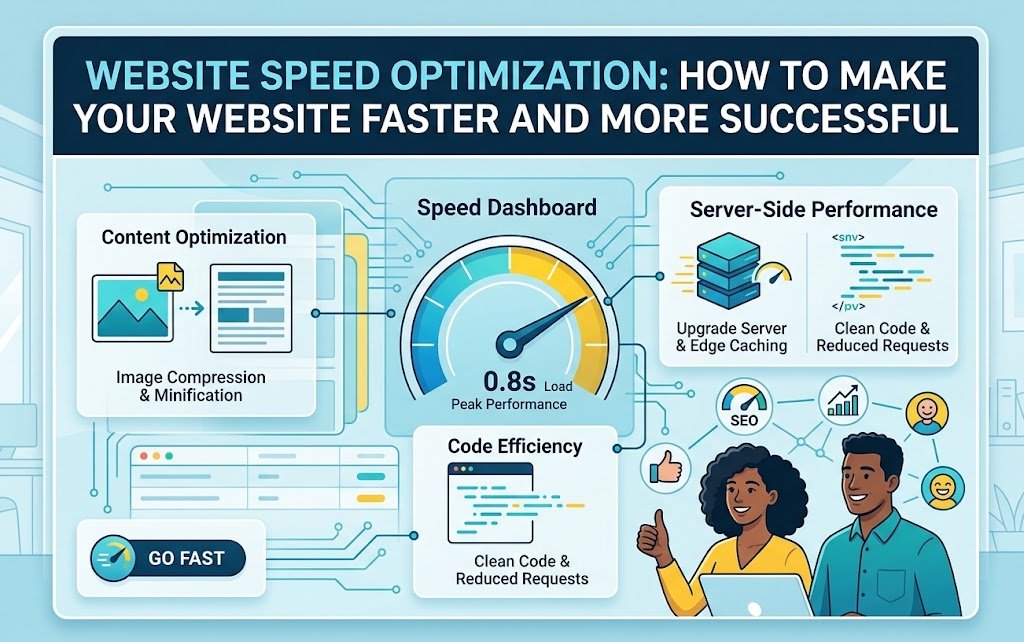
- Website performance
- Internal linking
- Clear page structure
- Good user experience
- AI for Social Media Design
Graphic designers often need to produce multiple social media assets from one campaign.
AI can help create variations of:
- Instagram posts
- Stories
- Facebook graphics
- LinkedIn posts
- Promotional banners
- Advertisements
For example, one campaign can be adapted into several formats while maintaining the same:
- Logo
- Typography
- Colors
- Visual style
- Messaging
This makes AI particularly useful for repetitive content production.
- AI for Presentations
AI-powered presentation tools can help transform ideas into structured presentations.
Designers can use AI to assist with:
- Slide structures
- Presentation layouts
- Visual hierarchy
- Content organization
- Speaker notes
- Infographics
This is useful for client presentations, project proposals, portfolios, educational content, and business presentations.
The designer should still review every slide and make sure the visual hierarchy supports the intended message.
- AI for Video and Motion Content
Video is becoming increasingly important for websites and social media.
AI can assist with:
- Video concepts
- Scripts
- Storyboards
- Captions
- Voiceovers
- Short promotional videos
- Social media video content
For designers, this creates an opportunity to expand beyond static graphics and offer more complete digital content solutions.
- AI for Website Testing
AI can also support the testing stage.
Designers and developers can use AI to help identify possible problems with:
- Responsive layouts
- Accessibility
- UI consistency
- Broken interactions
- Code quality
- Performance
However, automated analysis should complement real testing.
A website should still be tested by humans across relevant devices, browsers, and user scenarios.
A Practical AI Workflow for Web Designers
Instead of using AI randomly, create a structured workflow.
Step 1 — Research
Use AI to understand the industry, audience, competitors, and project requirements.
Step 2 — Plan
Generate possible website structures, features, and content outlines.
Step 3 — Create
Develop wireframes, visual concepts, and initial designs.
Step 4 — Build
Use AI coding assistance to accelerate website development.
Step 5 — Create Content
Generate initial drafts for pages, blogs, products, and social media.
Step 6 — Optimize
Review SEO, accessibility, performance, responsiveness, and usability.
Step 7 — Test
Check the final website manually and with appropriate testing tools.
Step 8 — Launch
Deploy the website and continue improving it based on real user feedback.
AI Tools Should Work Together
The real power of AI does not come from one tool.
It comes from combining different tools into a workflow.
For example:
AI Assistant → Research & Planning
↓
Design Tool → UI & Graphics
↓
AI Image Tool → Visual Assets
↓
AI Coding Assistant → Website Development
↓
SEO Tools → Optimization
↓
Testing Tools → Quality Control
This creates a connected production system rather than isolated AI experiments.
What Skills Should Designers Learn?
AI tools are changing rapidly, so learning one specific tool is not enough.
Designers should focus on transferable skills such as:
- UI/UX design
- Typography
- Color theory
- Branding
- Responsive design
- HTML and CSS
- JavaScript fundamentals
- WordPress
- SEO
- Content strategy
- Accessibility
- Prompt engineering
- AI workflow design
These skills allow designers to adapt when new AI tools appear.
The Future of AI-Assisted Design
The future of design will likely involve increasingly integrated AI workflows.
Designers may be able to move from an idea to a working prototype much faster than before.
A simple project brief could eventually lead to:
Idea → Structure → Design → Code → Content → Testing → Deployment
with AI assisting throughout the process.
But human creativity, strategic thinking, and understanding of users will remain essential.
AI can generate options.
The designer decides which option solves the actual problem.
Conclusion
AI tools are becoming powerful assistants for web designers and graphic designers.
They can help with research, UI/UX, graphic design, coding, WordPress, content creation, SEO, social media, presentations, video, and testing.
The goal should not be to let AI do everything.
The goal is to build a workflow where human creativity and AI productivity work together.
Designers who learn how to use AI responsibly and strategically can spend less time on repetitive tasks and more time solving problems, creating ideas, and building meaningful digital experiences.