How AI Is Changing Web Design: Tools, Trends, and the Future of Website Creation
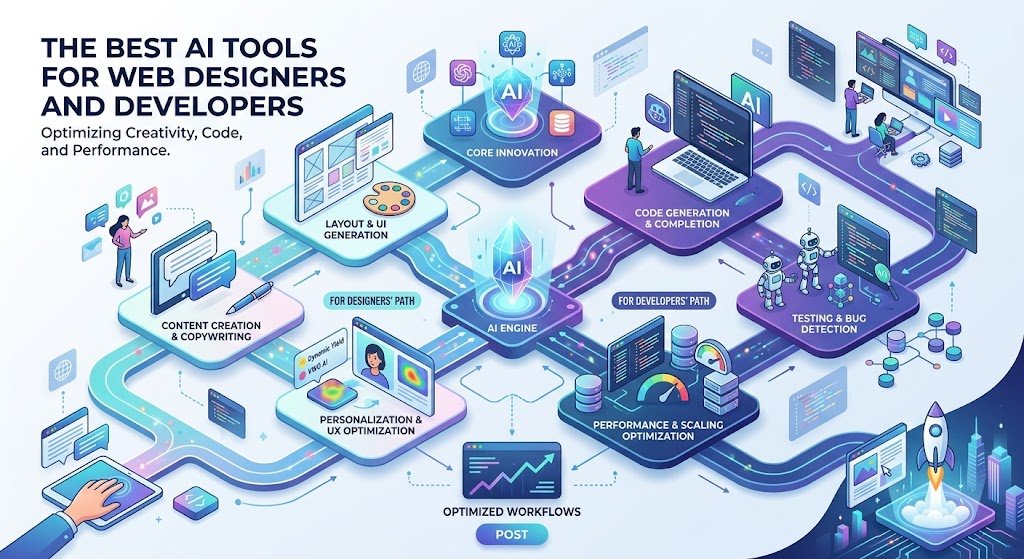
Artificial intelligence is changing the way websites are designed, developed, and managed. From generating ideas and creating layouts to writing content, optimizing images, and improving user experiences, AI tools are becoming valuable assistants for web designers and developers.
However, AI is not replacing creative professionals. Instead, it is helping designers work faster, explore more ideas, automate repetitive tasks, and focus more on creativity, strategy, and user experience.
In this article, we will explore how AI is transforming web design, the most useful AI-powered workflows, and how designers can use these technologies to improve their skills and projects.
What Is AI-Powered Web Design?
AI-powered web design means using artificial intelligence tools to assist with different stages of the website creation process.
AI can help with:
- Website ideas and project planning
- UI/UX design concepts
- Website structure and navigation
- Content generation
- Image creation and editing
- HTML, CSS, JavaScript, and React development
- SEO content optimization
- Accessibility improvements
- Website performance optimization
- Testing and debugging
- Marketing content creation
Instead of manually completing every task, designers can use AI to accelerate their workflow while keeping human creativity and decision-making at the center of the project.
Why AI Is Important for Web Designers
Traditional website development can require significant time for research, planning, design, development, content creation, testing, and optimization.
AI can reduce the time spent on repetitive tasks.
For example, a designer may use AI to generate several homepage concepts within minutes. The designer can then evaluate the ideas, select the most suitable direction, and refine the design according to the client’s requirements.
This creates a new workflow:
Human Creativity + AI Assistance = Faster and More Flexible Web Design
The designer remains responsible for the final creative decisions, while AI acts as a productivity assistant.
- AI for Website Planning
One of the first stages of any website project is planning.
AI can help designers create:
- Project requirements
- Sitemap structures
- Website sections
- User personas
- Content outlines
- Feature lists
- Page structures
- User journeys
For example, if you are creating a website for a medical center, you can ask an AI assistant to suggest a structure containing:
- Homepage
- About
- Doctors
- Medical Services
- Appointment Booking
- Patient Resources
- Blog
- Contact
The designer can then review the suggested structure and adapt it to the project’s actual requirements.
- AI for UI/UX Design
AI is also becoming useful during the interface design stage.
Designers can use AI to explore different:
- Color combinations
- Typography systems
- Layout structures
- Card designs
- Navigation concepts
- Hero sections
- Dashboard layouts
- Mobile interfaces
Instead of starting with a blank canvas, AI can provide a starting point that designers can improve.
The important part is not simply generating a design. The real value comes from understanding why a particular layout works for the target audience.
- AI for Website Development
AI coding assistants can help developers and “vibe coders” generate and improve code.
They can assist with technologies such as:
- HTML
- CSS
- JavaScript
- TypeScript
- React
- Next.js
- Tailwind CSS
- WordPress
- PHP
For example, you can describe a website component in natural language:
Create a responsive pricing section with three plans, modern cards, hover animations, and a clear call-to-action.
An AI coding assistant can generate an initial implementation that the developer can then review, test, and customize.
This approach can significantly accelerate prototyping and development.
- AI and WordPress
WordPress designers can also benefit from AI.
AI can assist with:
- Website structure
- Page content
- Blog articles
- SEO titles and descriptions
- Product descriptions
- CSS customization
- WordPress troubleshooting
- Elementor layouts
- WooCommerce content
- Image optimization ideas
For WordPress professionals, AI can become a practical assistant throughout the entire website workflow.
However, generated code and content should always be reviewed before publishing.
- AI for Graphic Design
AI is not limited to website development.
Graphic designers can use AI to generate creative concepts for:
- Social media posts
- Website banners
- Marketing graphics
- Presentation designs
- Brand concepts
- Illustrations
- Backgrounds
- Advertising visuals
AI image-generation tools can help designers explore visual directions quickly.
The designer can then refine the selected concept using professional design software.
This makes AI particularly useful during the ideation stage.
- AI for Content Creation
Content is an important part of every successful website.
AI can help create initial drafts for:
- Blog posts
- Landing pages
- Product descriptions
- Social media posts
- Email campaigns
- FAQs
- Service descriptions
However, publishing completely unedited AI-generated content is not always the best approach.
Professional content should be reviewed for:
- Accuracy
- Originality
- Brand voice
- Search intent
- Readability
- Factual correctness
AI should help create and improve content rather than completely replace human review.
- AI and SEO
Search engine optimization is another area where AI can support web designers and content creators.
AI can help identify opportunities related to:
- Keyword ideas
- Search intent
- Content structure
- Meta titles
- Meta descriptions
- Headings
- Internal linking
- FAQ sections
- Content gaps
For example, when creating an article about web design, AI can help organize the article around topics users may search for.
But SEO success depends on much more than generating keywords.
A strong website also needs:
- Useful content
- Good technical performance
- Mobile responsiveness
- Clear navigation
- Good user experience
- Proper internal linking
- Search-friendly structure
- AI for Responsive Web Design
Modern websites need to work across different screen sizes.
AI coding tools can help developers create responsive layouts for:
- Desktop
- Laptop
- Tablet
- Mobile devices
AI can suggest responsive CSS rules, Tailwind classes, layout improvements, and component structures.
Nevertheless, designers should still manually test websites on different screen sizes.
A design that looks good on a desktop monitor may require significant adjustments on a mobile screen.
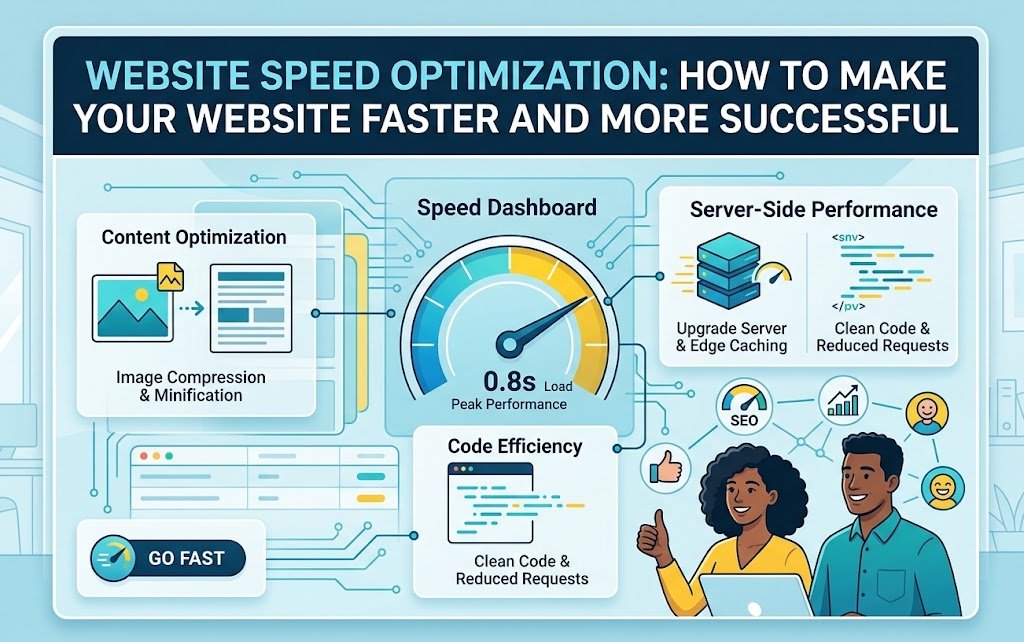
- AI for Website Performance
Website performance has become an important part of modern web development.
AI-assisted workflows can help developers identify possible issues related to:
- Large images
- Unnecessary JavaScript
- Slow components
- Poor loading strategies
- Inefficient code
- Layout problems
The goal should always be to create websites that are not only visually attractive but also fast and easy to use.
- AI Does Not Replace the Designer
One of the biggest misconceptions about AI is that it will completely replace designers.
In reality, professional web design requires more than generating an image or writing code.
A successful designer needs to understand:
- Business goals
- User behavior
- Branding
- Visual hierarchy
- UX principles
- Accessibility
- Responsive design
- Content strategy
- SEO
- Performance
AI can generate possibilities, but humans still need to make decisions.
The designer decides what should be built, who it is for, and how the final experience should work.
A Modern AI-Assisted Web Design Workflow
A practical workflow can look like this:
Step 1 — Research
Understand the business, audience, competitors, and project objectives.
Step 2 — Planning
Use AI to help generate sitemap ideas, content structures, and feature lists.
Step 3 — Design
Create wireframes and visual concepts using design tools and AI-assisted ideation.
Step 4 — Development
Use AI coding assistants to accelerate development and create reusable components.
Step 5 — Content
Generate initial content drafts and refine them according to the brand voice and search intent.
Step 6 — Optimization
Review SEO, accessibility, responsiveness, performance, and usability.
Step 7 — Testing
Test the website across browsers and different screen sizes.
Step 8 — Launch
Deploy the website and continue monitoring performance and user behavior.
How Designers Can Start Using AI
You don’t need to learn every AI tool available.
Instead, choose tools based on your workflow.
A simple starting strategy is:
For ideas: AI assistants
For graphics: AI-powered design tools
For websites: AI coding assistants
For WordPress: AI content and coding assistants
For SEO: AI-assisted content analysis tools
For productivity: AI automation tools
The goal is not to use AI everywhere.
The goal is to use AI where it provides real value.
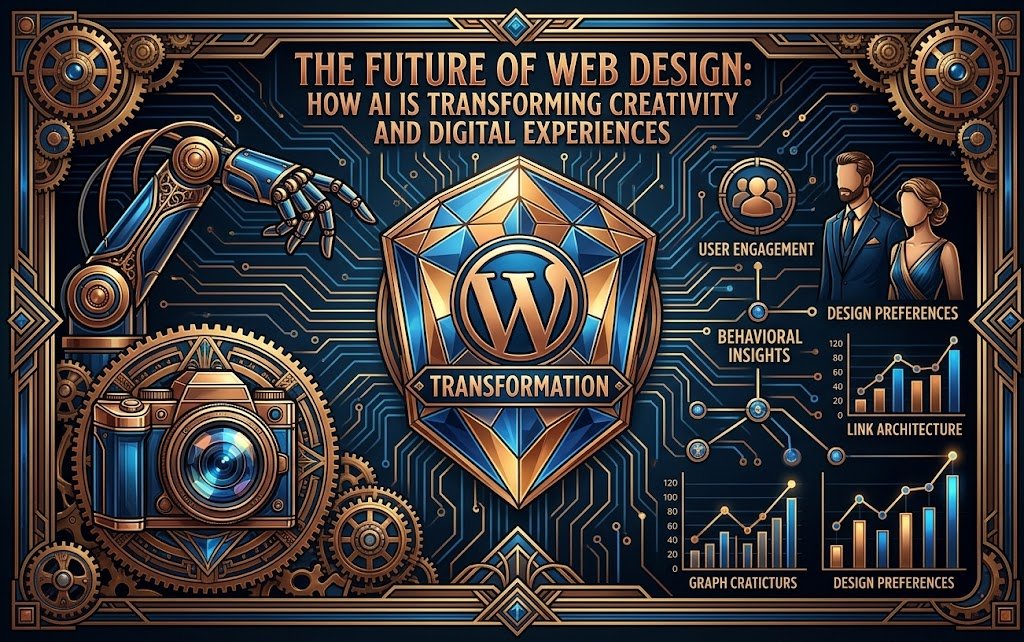
The Future of Web Design
The future of web design will likely involve closer collaboration between designers, developers, and AI systems.
Designers will increasingly use AI for:
- Faster prototyping
- Automated repetitive tasks
- Personalized experiences
- Content creation
- Code assistance
- Design exploration
- Website optimization
This means that learning how to work with AI is becoming an important skill for modern digital professionals.
But the most valuable skill will remain the ability to understand people, solve problems, and create useful digital experiences.
Final Thoughts
AI is changing web design, but it does not eliminate the need for creativity and human decision-making.
The designers who learn how to combine technical skills, creative thinking, UX principles, SEO, and AI-assisted workflows can build websites more efficiently and experiment with more ideas.
The future is not simply AI instead of designers.
It is designers using AI as a powerful creative and productivity assistant.
How AI Is Changing Web Design: Tools, Trends, and the Future of Website Creation
If you are a web designer, WordPress developer, graphic designer, or digital creator, learning how to use AI effectively can help you improve your workflow and create better digital experiences.